To be able to migrate an non-composer TYPO3 11.5 site into an composer TYPO3 11 site I ran the process to create an INSTALL .
That went well until the INSTALL TOOL stops at 80%. What is causing that or how to find out what is happening?
All the files and folders seem to be there when looking in the terminal. No error messages thrown.
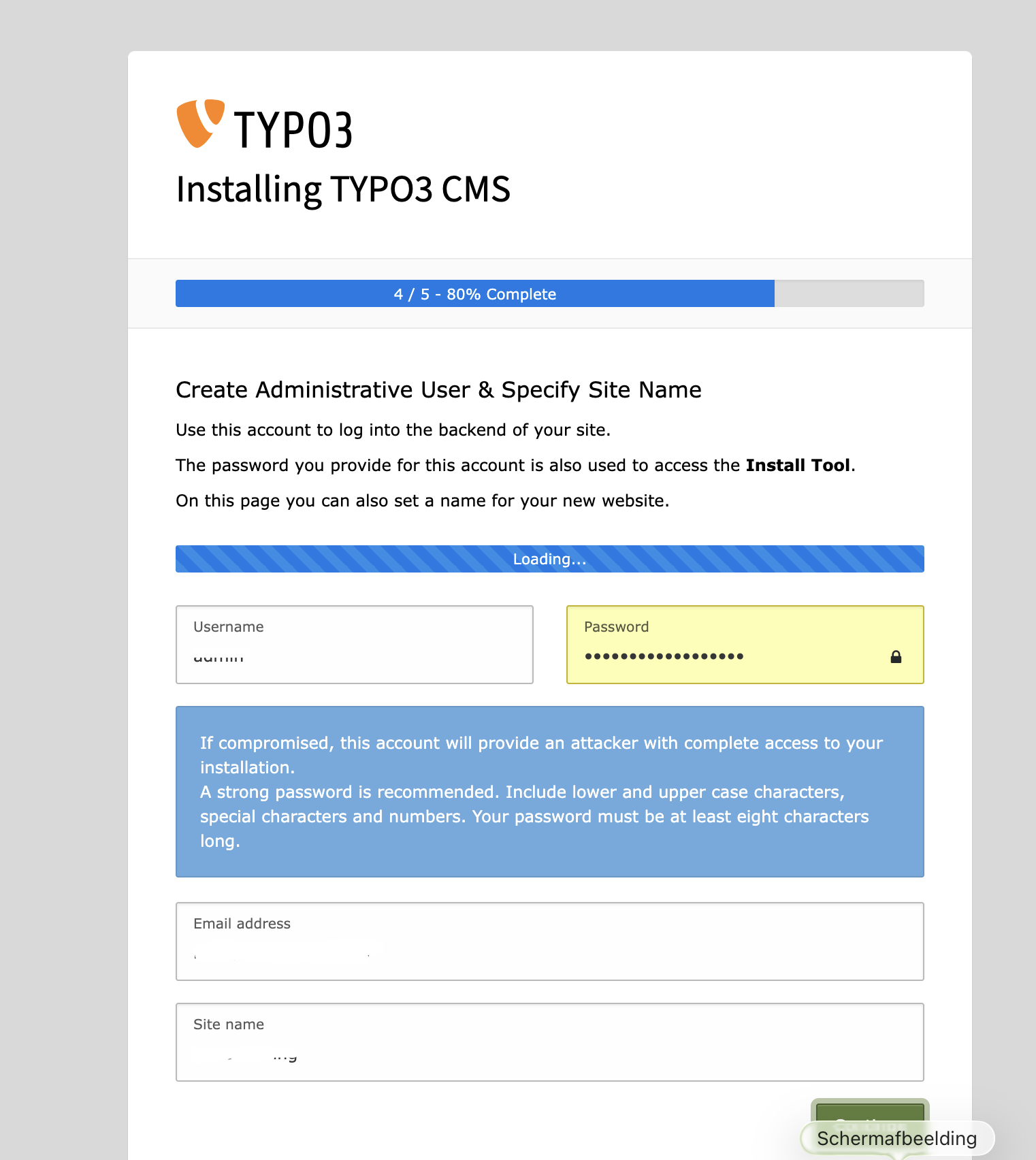
I run:
php -v
PHP 8.2.29 (cli) (built: Jul 3 2025 16:16:05) (NTS)
Copyright (c) The PHP Group
Zend Engine v4.2.29, Copyright (c) Zend Technologies
with Zend OPcache v8.2.29, Copyright (c), by Zend Technologies
But when running info.php it shows me clearly php7.4.
I used the directory before running an TYPO3 13.4 instance which was using php8.2. Before running COMPOSER INSTALL by using my own composer.json holding all the 11.4 stuff, I made sure all the folders where empty (deleted all old files and folders which would be new created). The apache2 vhost has the php7.4-fpm as php version to use and was restarted.
part of the composer.json:
“config”: {
“platform”: {
“php”: “7.4.”
},
Solved the problem. After removing the php7.4 directive from the apache2 Vhost It worked. I was assuming it could not work with php8.2. Which is for a strange reason the default on my server. Than later I read that php8.2 can work with TYPO3 11 and is backwards compatible. Nice to know and let see how the further upgrade path goes. I will now attach the dbase from the non composer 11.5 site. And copy over the files.