I’m struggling with a problem which I can imagine others must experience as well.
Hosting several TYPO3 instances on the same server. Up to version 11.5 (and few below this) I managed to get them working, where some are using different php-versions.
As of version 12 and 13 supplying the right php version is still no problem.
But having the right Mysql version available is a problem.
Versions below 11.5 will still work with mysql 5.7 so that is fine for now. But I need to upgrade several of the hosted domains to the latest version 13. While keeping the others still available and working with the older mysql version.
So a major upgrade of mysql to the latest 8.* version is not possible. How to deal with that?
On my local machine I run ddev with the latest T3 version(s) so that is no problem for developing/ upgrading and testing. But I need it also to work on the existing Debian 12 production server.
How are you dealing with this problem? Also for customers?
Is there a manner tot have different versions of mysql on the same server. the same way as with php? And have them only available for certain apache vhost without messing up others).
can I use for the time being an external hosted Mysql db (not preferred want to have all on the same server / environment).
Might running an Docker container with mysql be a secure and working option for this? Any experiences with that on a debian12 server?
Common solutions are to run multiple database server versions on different ports, or to have dedicated database servers. That’s how hosting providers deal with that usually.
You should pay attention that your “external” database server has a low-latency connection to your PHP instance, otherwise it will hurt performance if you would for example connect through the internet to an external server.
And yes, you can also virtualize your DB servers with docker, but you should have some basic experience with that. So you’d have to pick a solution that is most maintanable (and securable) to you.
I’m now looking into using Docker container for it. Maybe using Portainer to manage it. Raising some firther questions to solve. Not sure if I need also a container for additional phpmyadmin to manage the db in the container. Or can I use my existing phpmyadmin instance for that as well?
Normally you’d have phpmyadmin in its own container, and it can connect to any sql instance then.
(You could always also set up SSH tunnels to your SQL database then you wouldn’t need a web-based DB tool at all, and could use native connections in tools like SequelAce or in PHPStorm IDEs). That’s a bit beyond the scope of TYPO3 support though, you probably better search for this in devops-/serveradmin-centric support channels.
And a sidenote: the MariaDB version requirements match a lot more TYPO3 versions at the same time, than the MySQL versions, while that it is out of scope of your question, it might be a feasible direction to take this into account.
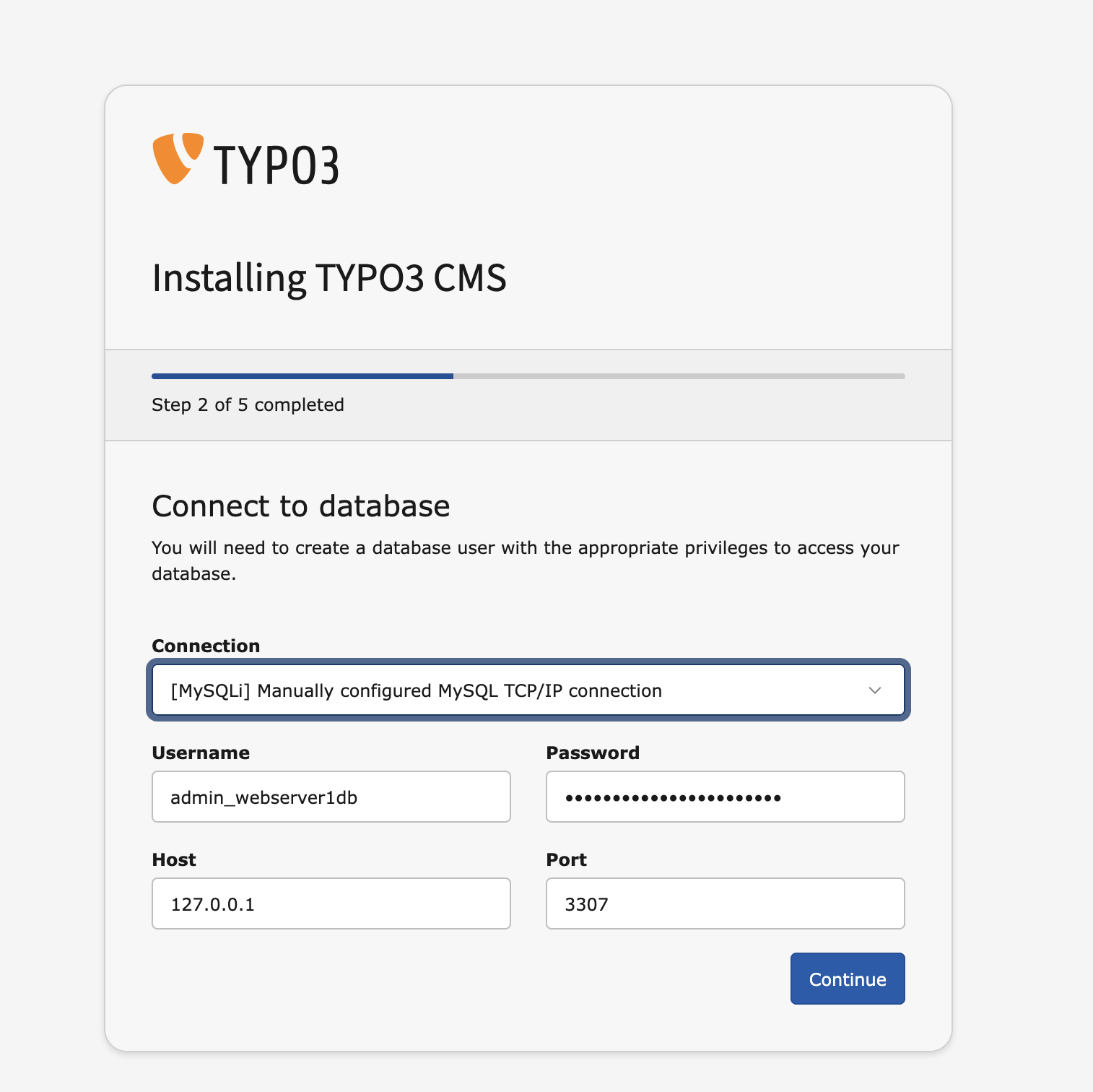
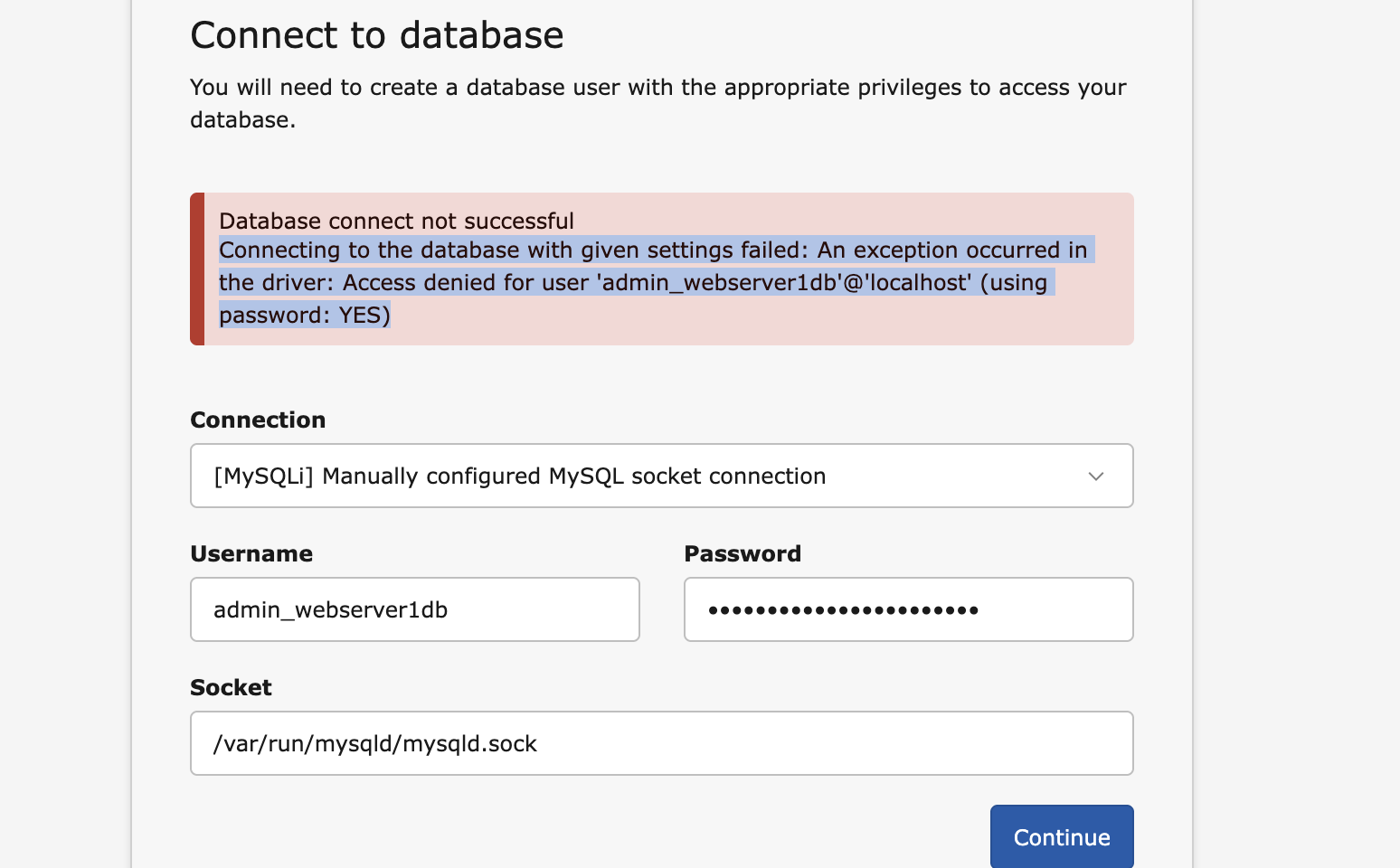
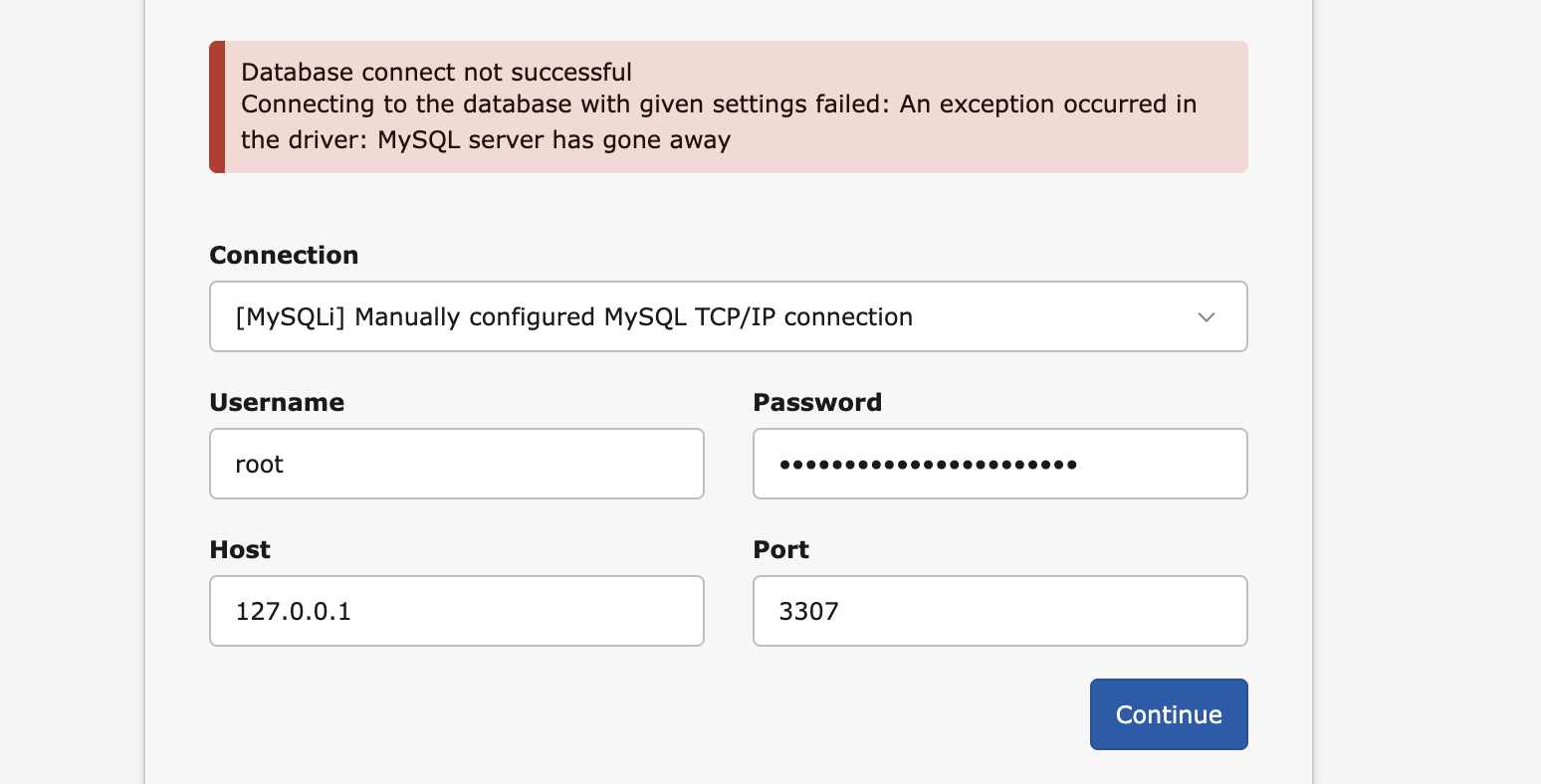
Ok I succeeded to get a mysql8 database running in a docker container on the same server. I can access it with phpmyadmin (also in an own contaner) from my browser. Now net thing would be have my TYPO3 instance also connecting to it. Can not get that working. Any ideas how do get in?
tried all version offered through the install tool without any success.
Succeeded. Needed to use the mysql-container ip-address (or service name) instead of localhost or so. Up and running a TYPO3 13 instance with new database and running side by side with older TYPO3 versions on the same server. Not sure how stable this al will be but for now it is working very nice.